Hugging Face to Jetson in one step: what we launched, and how to try it in five minutes
Over 1,000 models optimized for NVIDIA Jetson: deploy any of them on your own board with a single command, or run them on a real Jetson in our device farm, straight from your browser.
Maximilian Salén··3 min read
What we opened at NVIDIA GTC Berlin
On 21 October, at NVIDIA GTC Berlin, we opened embedl.com to everyone. It has over 1,000 models already optimized for NVIDIA Jetson. You can deploy any of them on your own board with a single command, or run them on a real Jetson in our device farm, straight from your browser.
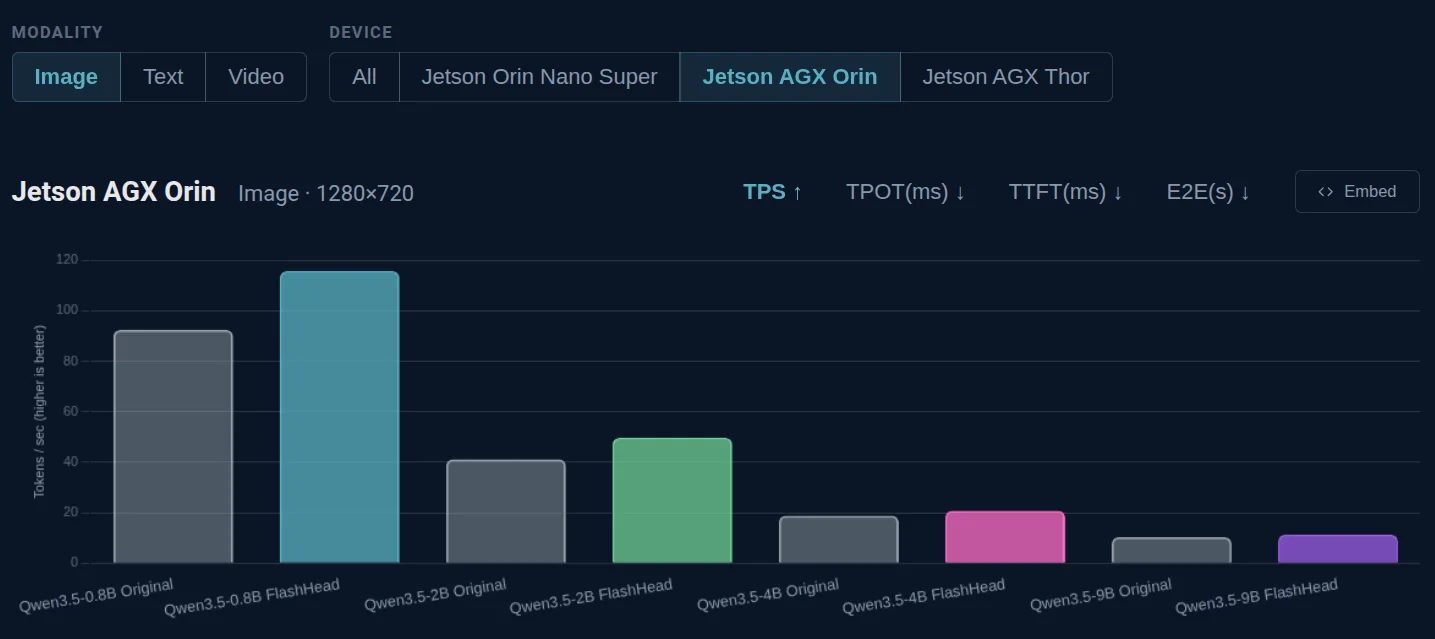
Until now, once you had picked a model, you worked through export, quantization and engine builds before you could try it on your board. Only then did you learn whether it fit in memory, how fast it ran and how much accuracy it lost. Now you see those numbers first, measured on the same Jetson you have, and get one command that runs the same build on your own board.
Five minutes in the browser
You don't need a Jetson for this.
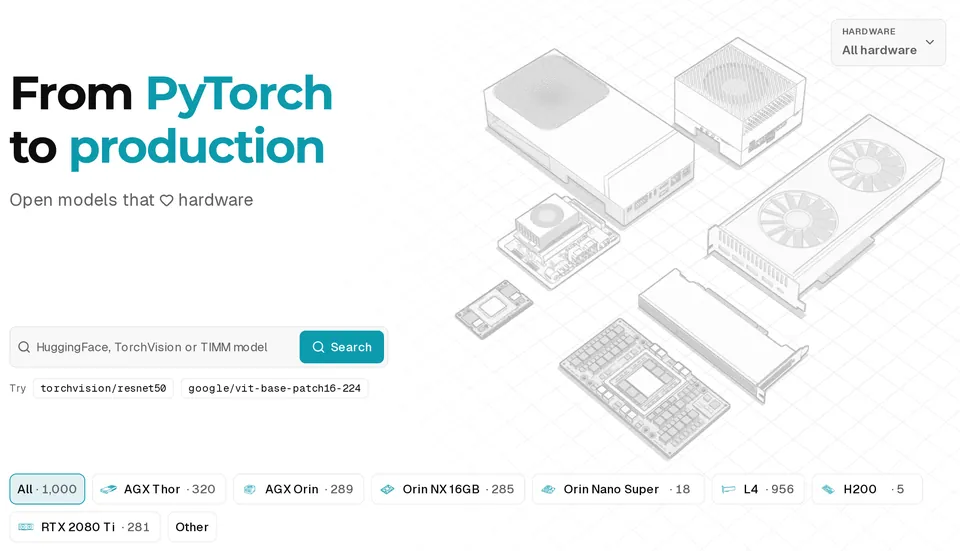
- Go to embedl.com. Type a Hugging Face model id, for example
nvidia/Cosmos3-EdgeorQwen/Qwen3.5-2B - Pick the Jetson you have from the hardware menu.
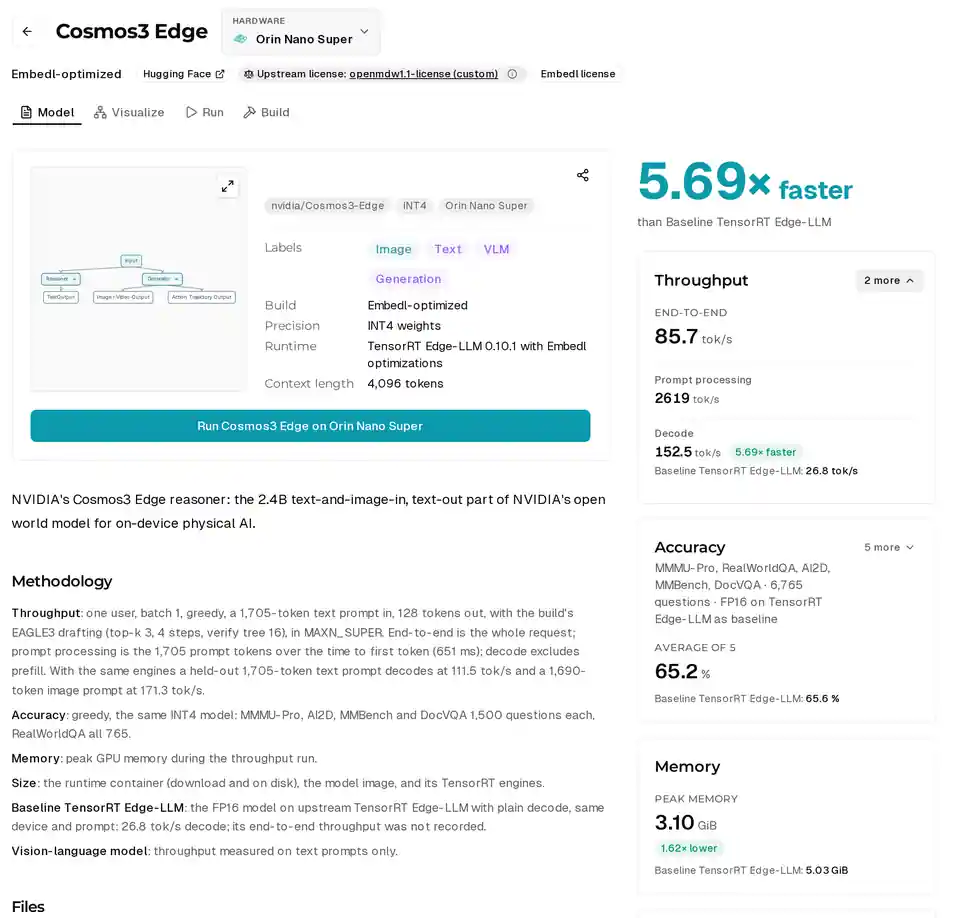
- You land on the model page, with throughput, peak memory and accuracy measured on that board and compared with FP16.
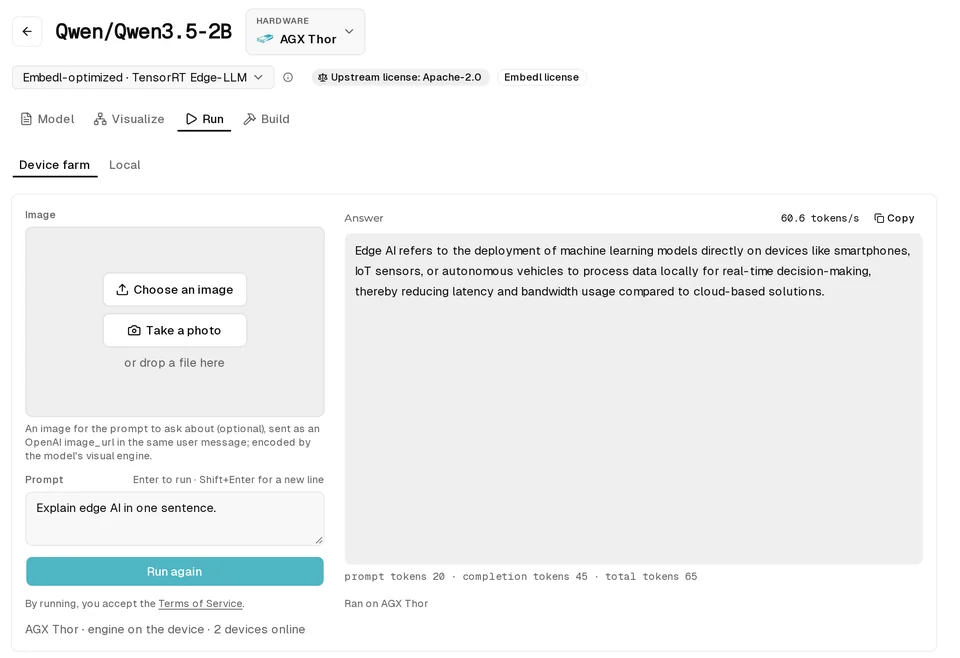
- Click Run. Type a prompt, or upload an image for a vision model. It runs on that Jetson in our device farm and comes back with the output and the timing.
- Switch the hardware menu to another Jetson and run it again.
If the model you typed is not on the platform yet, you get a request button instead of numbers.
Five minutes on your own Jetson
To run it on your own Jetson. You need:
- JetPack 7.x
- Docker that your user can run, with NVIDIA's container runtime
- Python 3.10 or newer.
Run this on your Jetson:
curl -fsSL https://embedl.com/install.sh | sh
embedl docker login
embedl serve Qwen/Qwen3.5-2B/orin-nano-super -d
embedl infer Qwen/Qwen3.5-2B/orin-nano-super --prompt 'Explain edge AI in one sentence.'
The first command installs the embedl CLI, the second signs you in with a free Embedl Hub account, serve downloads a prebuilt engine for your board and runs it in a locked-down container with no network access, and infer sends it a prompt. embedl stop shuts it down.
The model id is <hugging-face-model>/<device>, and every model page lists its commands under Run → Local.
A few models from the catalog
One of our featured models is NVIDIA Cosmos 3 Edge, the 2.4B reasoning model in NVIDIA's open world model for physical AI. It takes images and text and answers in text. The table shows its decode speed in tokens per second, for one user at batch 1.
| Device | Build | Decode tok/s |
|---|---|---|
| Orin Nano Super 8 GB | FP16, plain decode | 26.8 |
| Orin Nano Super 8 GB | Embedl optimized | 152.5 |
| AGX Thor | Embedl optimized | 207.8 |
Peak memory on the Nano is 3.1 GiB, against 5.0 GiB for FP16. Accuracy across five vision-language benchmarks (MMMU-Pro, RealWorldQA, AI2D, MMBench and DocVQA, 6,765 questions in total) is 65.2%, against 65.6% for FP16.
Vision models on AGX Thor: Embedl's FP8 build against the original model in FP16 on TensorRT (in brackets). Latency is GPU time at batch 1, without copies or preprocessing.
| Model | Task | GPU latency ms | Speedup | Accuracy | Dataset |
|---|---|---|---|---|---|
| ResNet-50 | Classification | 0.33 (0.60) | 1.84× | Top-1 85.7 (86.3) | ImageNette |
| ViT-B/16 | Classification | 1.07 (1.41) | 1.32× | Top-1 86.5 (86.0) | ImageNette |
| Sparse4D | 3D detection and tracking | 82.0 (93.4) | 1.14× | HOTA 33.1 (34.4) | PhysicalAI-SmartSpaces |
Two more on AGX Thor, built in FP16 on TensorRT without Embedl's quantization, with the upstream PyTorch FP32 model as the accuracy reference (in brackets):
| Model | Task | GPU latency ms | Accuracy | Dataset |
|---|---|---|---|---|
| RF-DETR base | Detection | 2.3 | mAP 53.3 (53.3) | COCO val2017 |
| Depth Anything V2 Small | Depth | 2.5 | AbsRel 0.0606 (0.0606) | Hypersim (32 images) |
Request a model
Missing a model? Search for its Hugging Face id and request it from the Run tab, for any board. We'll email you when it's ready.