Skip to content

Embedl Hub

Bring physical AI to production with confidence.

Connect model development, verification, and validation with automated evidence collection.

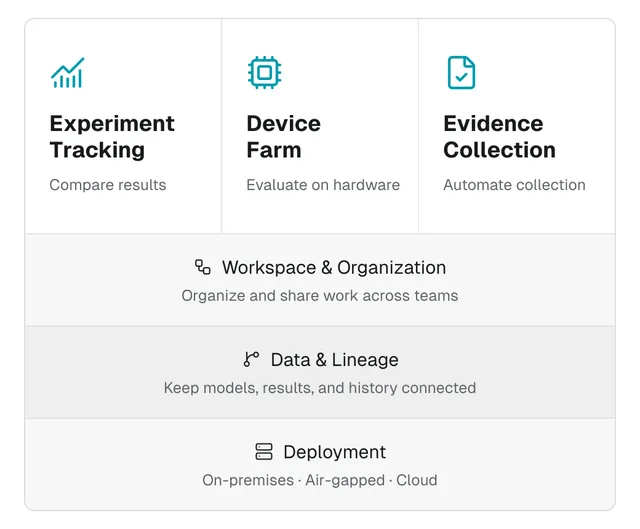
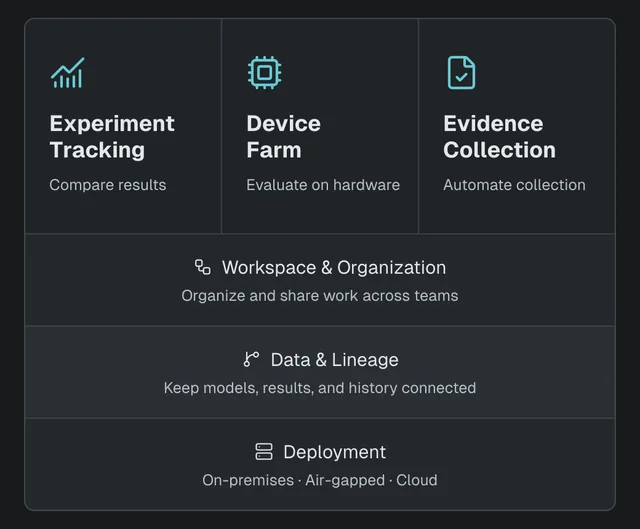
Experiment Tracking, Device Farm, and Evidence Collection share Workspace & Organization, Data & Lineage, and Deployment. Compare results, evaluate models on hardware, and automate evidence collection. Deploy on-premises, in an air-gapped environment, or in the cloud.

For physical AI teams

One platform. Shared context.

Engineering and product leaders

Understand why a model was chosen and keep its evidence traceable across teams, suppliers, and customer handovers.

Safety and validation teams

Assess evidence against requirements and give engineers clear feedback on what needs to change.

ML and embedded engineers

Compare models and hardware results, with the context your teammates need to build on them.

Development and validation

Turn everyday results into reviewable evidence

Automate evidence collection

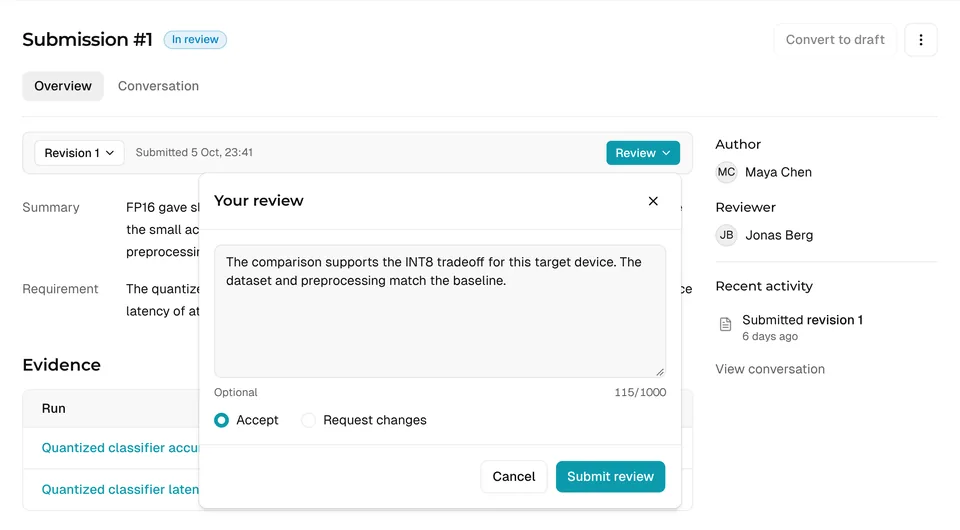
Capture results through the SDK or APIs and apply automated checks to submitted evidence. Reviewers assess the results, rationale, and limitations against requirements, preserving decisions for team and customer handovers.
Explore Evidence Collection

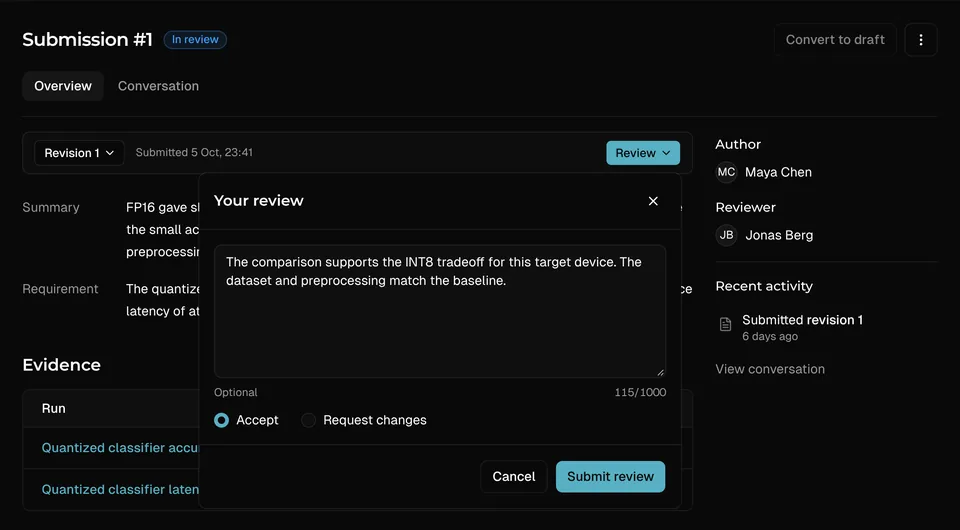
An example evidence submission brings together supporting runs, check results, and a review decision.

Understand what works

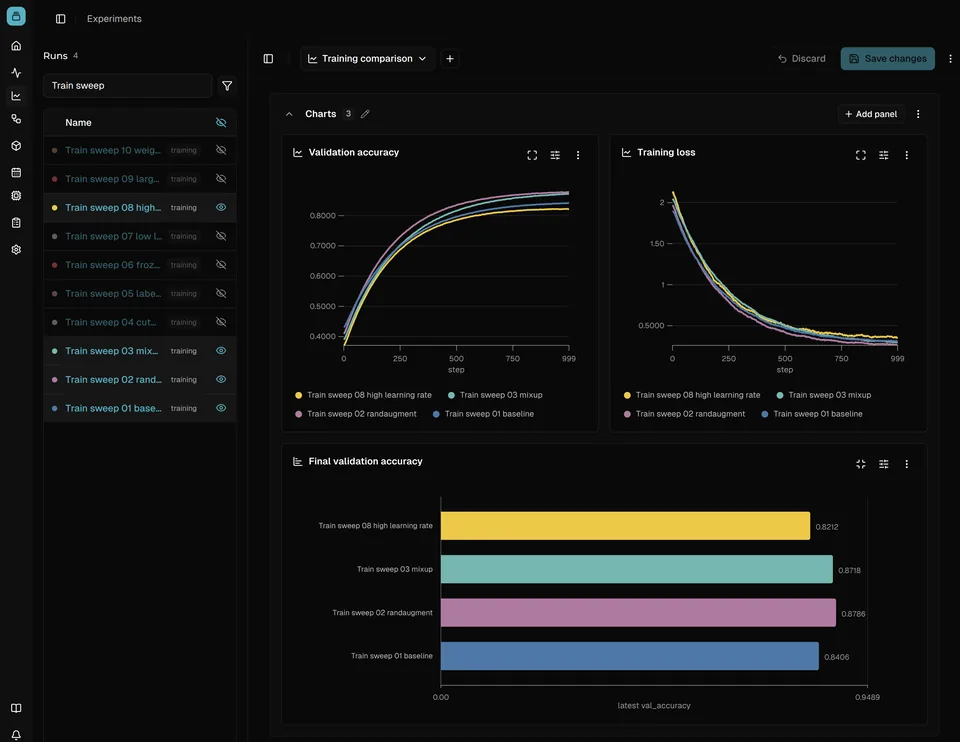
Compare training and evaluation results in shared dashboards. Keep each model candidate’s runs, settings, and files together so teammates can understand what worked and why.

Explore Experiment Tracking

A training dashboard compares accuracy and loss across four example configurations.

Evaluate models on target hardware

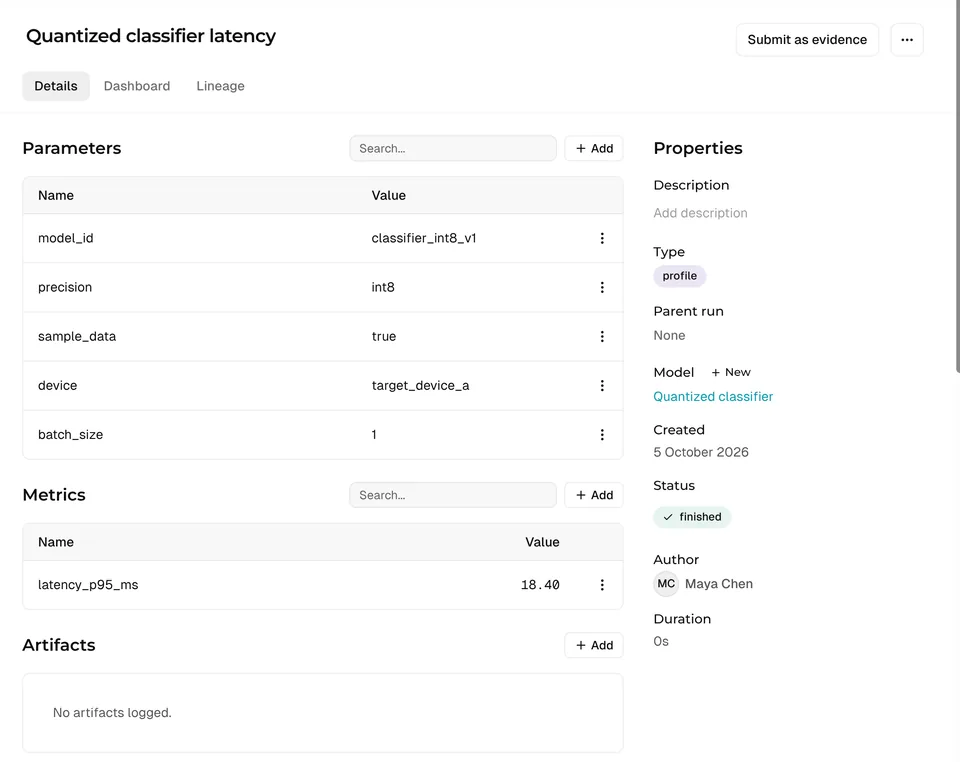
Find shared devices and reserve time with Device Farm. Compare accuracy, latency, and memory usage alongside the device and test settings behind each measurement.

Explore Device Farm

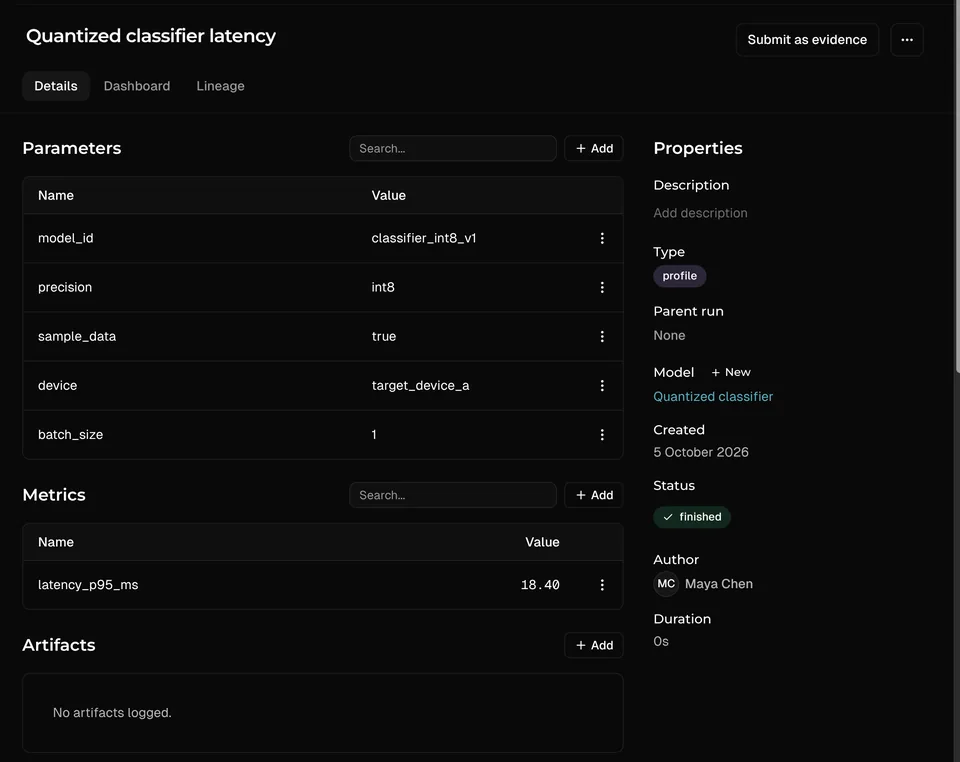
An example profiling run records latency alongside the model, precision, target device, and batch size.

Your tools and environment

Connected to your systems

Keep your existing tools and connect their results through the SDK or APIs. Run the Hub in your own environment: on-premises, in your private cloud, or air-gapped.

Read the SDK guide

FAQ

Frequently asked questions